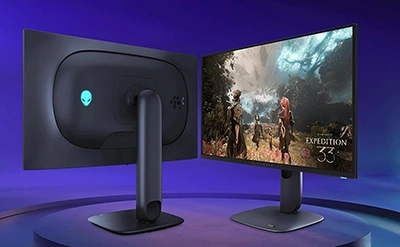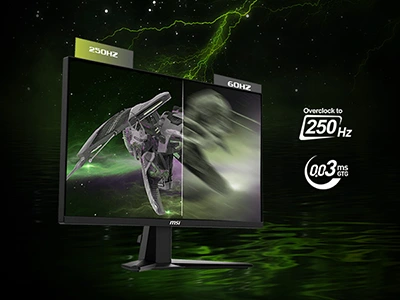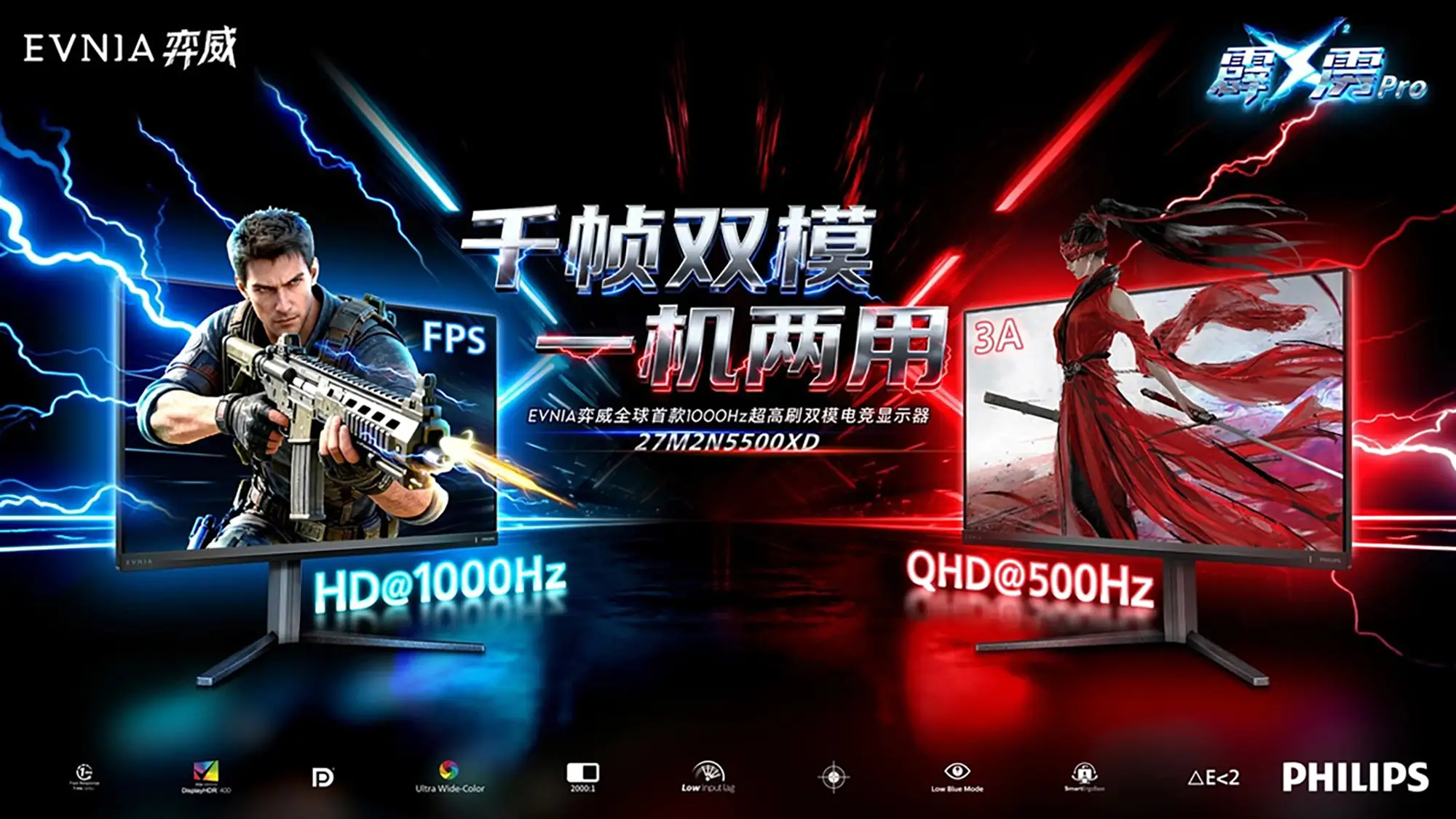
Philips and AOC are pushing esports monitors into “kHz refresh” territory. Ahead of CES 2026, the two brands have previewed 27-inch dual-mode displays designed to run at 2560×1440 up to 500Hz, then switch to a lower-resolution HD / 1080p-class mode up to 1,000Hz at the press of a button.
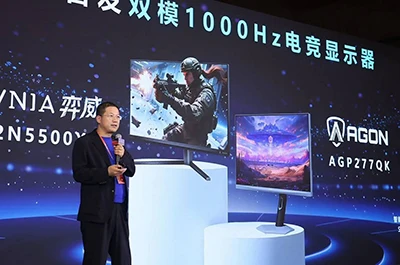
The Philips model is the Evnia 27M2N5500XD, while AOC’s sibling monitor is branded AGON Pro as the AGP277QK. Both brands are framing them as the world’s first dual-mode gaming monitors to reach 1,000Hz.
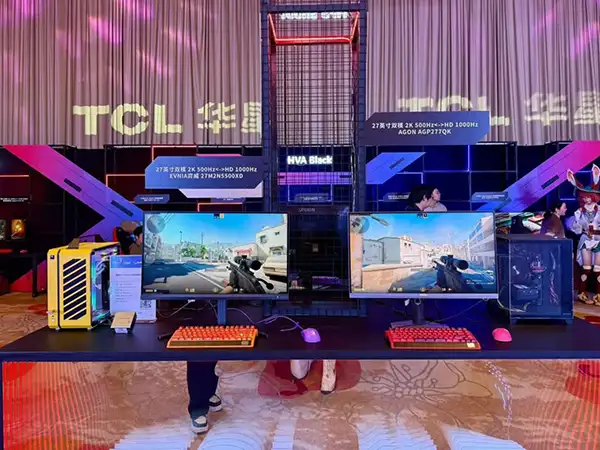
The pair were shown alongside panel partner TCL CSOT, which says its high-speed “HFS Shoot” technology—plus process and alignment improvements aimed at reducing blur/ghosting—helps enable the extreme refresh targets.
Dual-mode: one panel, two esports profiles
High refresh gaming has always been a trade: you either crank resolution for clarity (spotting pixels in smoke, tracking heads at range), or you drop resolution to chase frames, reduce blur, and keep input latency down. Dual-mode is the “why not both?” answer.
In practice, it means a single monitor exposes two timing profiles:
- Quality mode: QHD (1440p-class) at up to 500Hz
- Speed mode: a lower-resolution HD / 1080p-class mode at up to 1,000Hz
One important nuance: early coverage describes the 1,000Hz option as “HD” (sometimes explicitly as 1080p), but Philips and AOC haven’t yet published a full timing table that spells out every resolution/refresh combination and any scaling behavior.
Either way, the concept is straightforward: use the higher-res mode for daily play (or when you want more detail), and flip into the ultra-high-Hz mode for competitive sessions where motion clarity and latency matter more than sharpness.

What Philips is claiming for the Evnia 27M2N5500XD
Philips is positioning the Evnia 27M2N5500XD as a purpose-built esports display, and the headline numbers are aimed squarely at FPS players.
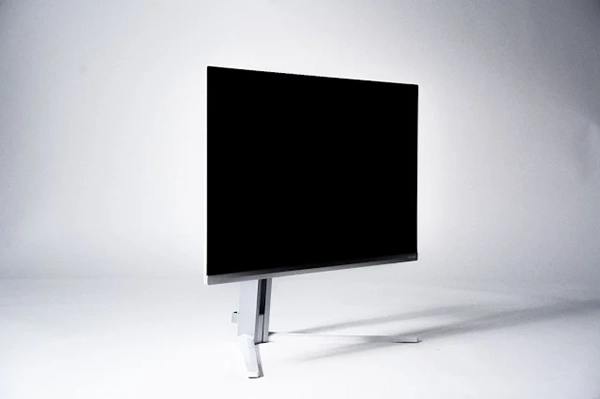
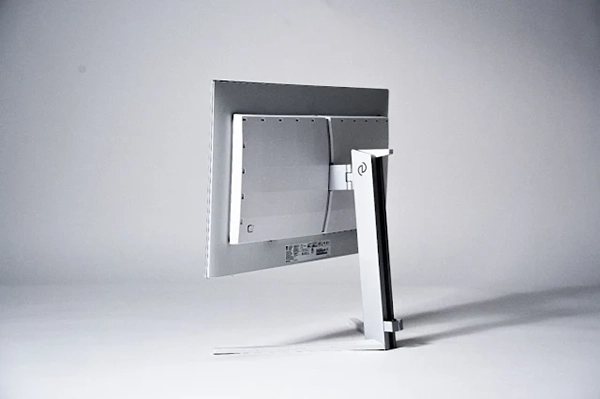


Here are the key spec callouts that have been shared so far:
- Dual-mode refresh: QHD at 500Hz / HD at 1,000Hz
- Response time: 1ms GtG (claimed)
- Contrast: 2000:1 typical (claimed)
- HDR: VESA DisplayHDR 400 certification
- Color: wide-gamut support, with a stated ΔE < 2 reference for accuracy
- Gaming features: low input lag mode, crosshair/aim overlay, and a low blue light mode
- Connectivity: DisplayPort is expected/confirmed in early coverage; full port lineup hasn’t been detailed yet
- Ergonomics: an adjustable stand aimed at desk play
AOC’s AGON Pro AGP277QK is being shown as the companion model under the same “dual-mode 1,000Hz” banner. AOC hasn’t shared as many bullet-point specs in the same way (yet), but the positioning is clear: expect AGON-style esports tuning and a similar dual-mode experience when final retail details land.
Why 1,000Hz is both exciting and complicated
Hitting 1,000Hz is more than a flex. On a sample-and-hold LCD, higher refresh rates reduce persistence blur and tighten the display’s contribution to end-to-end latency.
A quick way to visualize it is frame time:
| Refresh rate | Time per frame |
|---|---|
| 240Hz | 4.17ms |
| 500Hz | 2ms |
| 1,000Hz | 1ms |
It’s also worth setting expectations: the jump from 60Hz to 144Hz is obvious, and 144Hz to 240Hz is still easy to feel. The gains from 240Hz to 500Hz (and especially 500Hz to 1,000Hz) are more subtle—and they’re most noticeable when you’re already playing at high FPS with clean motion, low latency peripherals, and a game engine that isn’t stuttering or frame-pacing poorly.
But there are two big catches:
You still need the frames.
A 1,000Hz monitor is only “1,000Hz” in practice if your PC can deliver something close to 1,000 FPS. That typically means esports titles, low settings, and a CPU/engine that can keep up. Even 500 FPS at 1440p is a tall order in many modern games.The bandwidth math gets brutal.
Driving 2560×1440 at 500Hz pushes enormous data rates, which usually means leaning on DisplayPort, compression, and careful tuning. That’s likely part of why these monitors pair a QHD mode with a lower-resolution speed mode.
The payoff, if everything lines up, is a monitor that can sit at the front edge of what competitive players (and future GPUs) can actually use—without forcing you to commit to a single resolution/refresh compromise.
What to watch for at CES 2026
With CES 2026 around the corner, the big open questions are the ones that will decide whether this is a must-have esports upgrade or a niche tech demo:
- Exact resolution of the 1,000Hz mode (and whether it’s 1080p vs another HD timing)
- Real-world motion performance: overshoot/ghosting, clarity in fast pans, and how well it holds up at 500Hz vs 1,000Hz
- VRR support and range: whether Adaptive-Sync is available in both modes
- Ports and bandwidth features: the full I/O list, plus what’s required to actually run QHD/500Hz on a PC
- Pricing and availability: the most important details, and the least likely to be cheap
Should you wait?
If you’re buying today, a well-tuned high-refresh display (240Hz–360Hz at 1440p, or 360Hz–540Hz at 1080p) is already enough to feel the jump in clarity and responsiveness—especially in games like Valorant and Counter-Strike. For a quick look at what’s worth comparing right now, start with our monitor hub
 Terms | Privacy | Feedback